Plain-language explainers from the same lab that scores the products.
Often see L2TP/IPsec in your VPN settings? This article dives deep into how this classic VPN protocol works. Learn how L2TP tunneling works with IPsec encryption to protect your data, analyze its pros and cons (high compatibility vs. slower speeds), and compare it with modern protocols like OpenVPN and Lightway to help you decide if you should still be using it today.
Read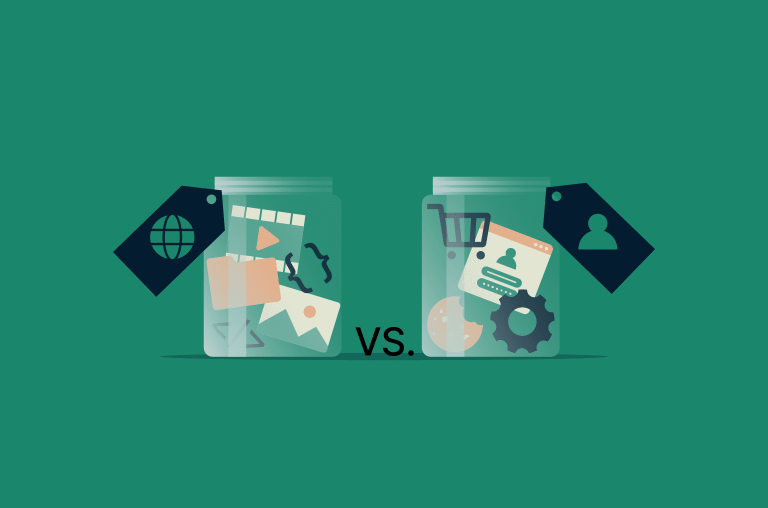
In this guide, we’ll walk through what cache and cookies actually store, how they work behind the scenes, how they affect privacy and performance, and when it makes sense to clear one, the other, or both. The goal: help you browse faster and keep your data under control.
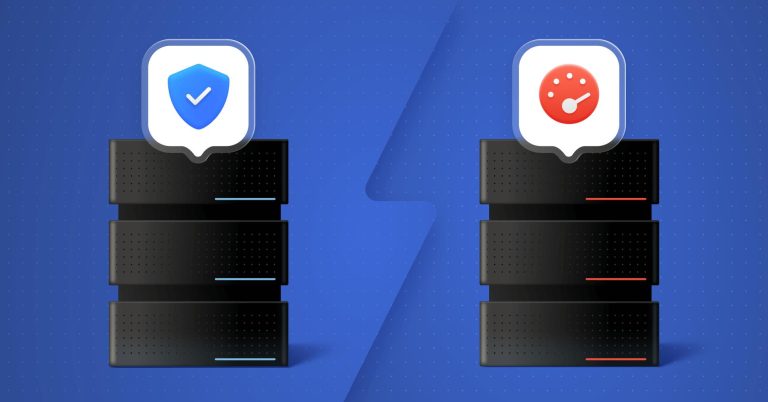
If you’ve ever wondered why your Netflix stream is smooth but your big file download feels like it’s crawling, you’ve already bumped into the difference between TCP and UDP — you just didn’t know their names yet. TCP and UDP are the two main transport protocols that sit under almost everything you do online: browsing, gaming, streaming, video calls, VPNs — the whole lot.
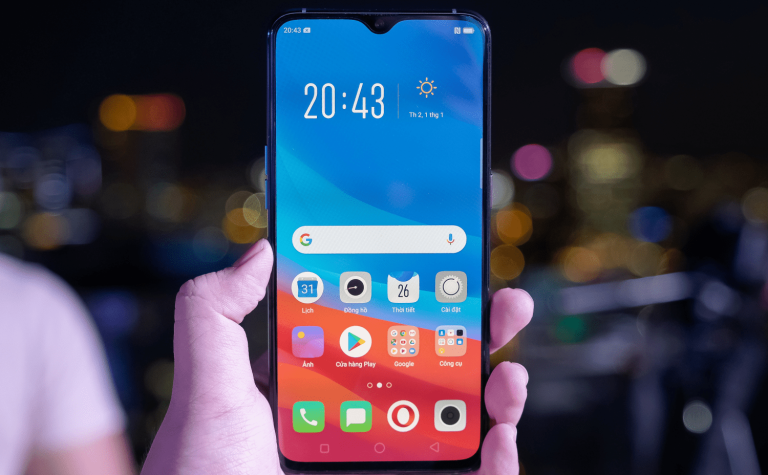
In this guide, we’ll walk through what an IP address is, the different types you’ll see on Android, and several proven ways to change it—ranging from dead‑simple (VPN, airplane mode) to more hands‑on (static IP, proxies, Tor). We’ll stick to Android UI wording that’s close to what you actually see on modern phones, but keep in mind labels may vary slightly by brand and Android version.
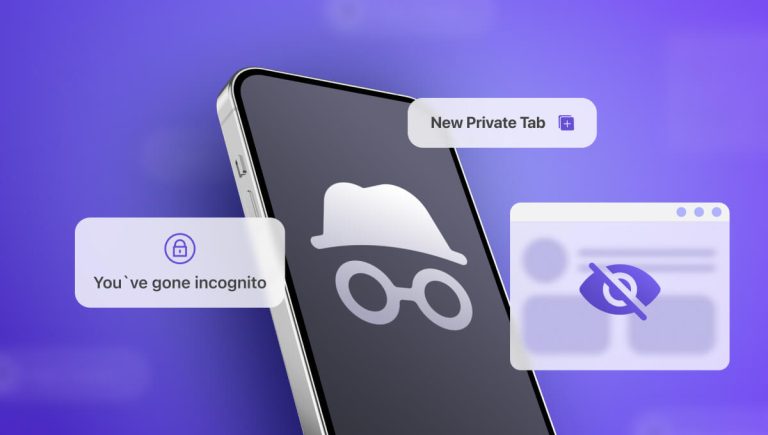
Incognito mode sounds like a magic “erase my tracks” button—but it isn’t. It mainly hides your activity from other people using the same device, not from your ISP, employer, or the network you’re on.
In today’s tracking-heavy internet, your IP address is one of the most important pieces of data about you. It identifies your connection, reveals your approximate location, and is used by ISPs, advertisers, and sometimes attackers to profile or target you. Learning how to hide your IP address is a foundational step toward modern online privacy and security.

According to a 2025 DreamHost study, 12% of American small businesses have paid hackers’ ransom demands, and 46% have already experienced cyberattacks. The data reveals a clear divide: businesses with tested backups and recovery plans refuse to pay, while those without them are far more likely to become victims. The solution doesn’t have to be complex — it’s disciplined preparation.
Speed, reliability, and security are the three key aspects of a VPN, and the IKEv2/IPsec protocol delivers on all three. It keeps your connection safe with strong encryption, reconnects quickly when networks change, and works smoothly on mobile devices. But what exactly is it, and how does it work?

Data is everywhere—and so are the risks of losing it. Whether you’re sending a message, logging into an account, or backing up your files, you want that data to stay private and secure.That’s where hashing and encryption come in. They both help protect information from prying eyes, but they work in different ways and are used for different purposes.
With cyber threats on the rise, robust data encryption is essential for keeping sensitive information safe. The Advanced Encryption Standard (AES) has become the go-to choice for industries worldwide, known for its strong security and high efficiency.
Every time you send a message, make an online payment, or log in to a secure service, encryption is working behind the scenes to keep your data private. One of the algorithms doing this job today is ChaCha20: a fast, secure, and lightweight cipher trusted by tech giants and security experts alike. Here’s what it is and how it keeps your data safe.
WireGuard is a modern VPN (Virtual Private Network) protocol that has quickly become a popular standard for secure, fast internet connections. Designed with simplicity and performance in mind, it delivers excellent speed while maintaining strong security through modern cryptographic tools.
OpenVPN is one of the most popular virtual private network (VPN) protocols for creating VPN tunnels and establishing secure connections between networks. But what is OpenVPN, what advantages does it offer, and when should you use it?
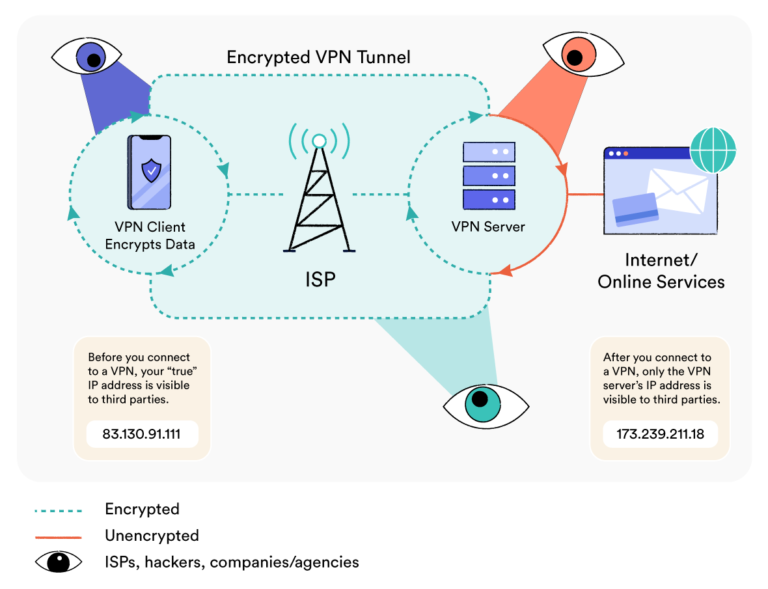
A Virtual Private Network (VPN) is software that creates an encrypted connection between your device and a remote server, hiding your real location from the websites and applications you use. This allows you to bypass geo-restrictions, hide your browsing activity from ISPs, and stop bad actors from intercepting your data on compromised Wi-Fi networks.